
Call us now :08045475168
 Send Inquiry

 Send Inquiry
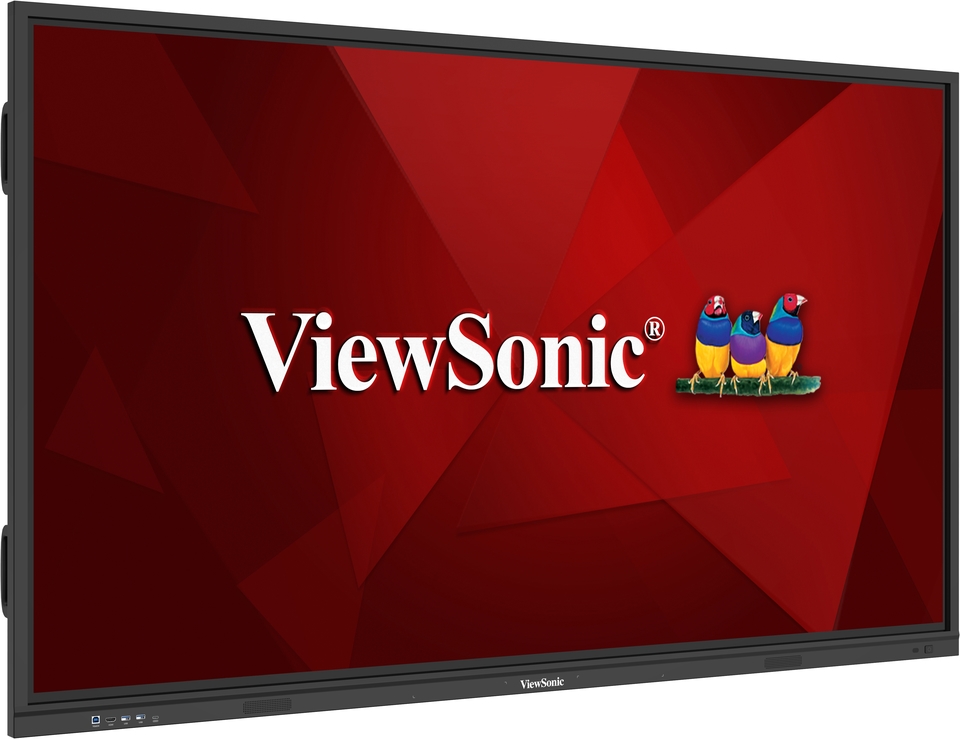
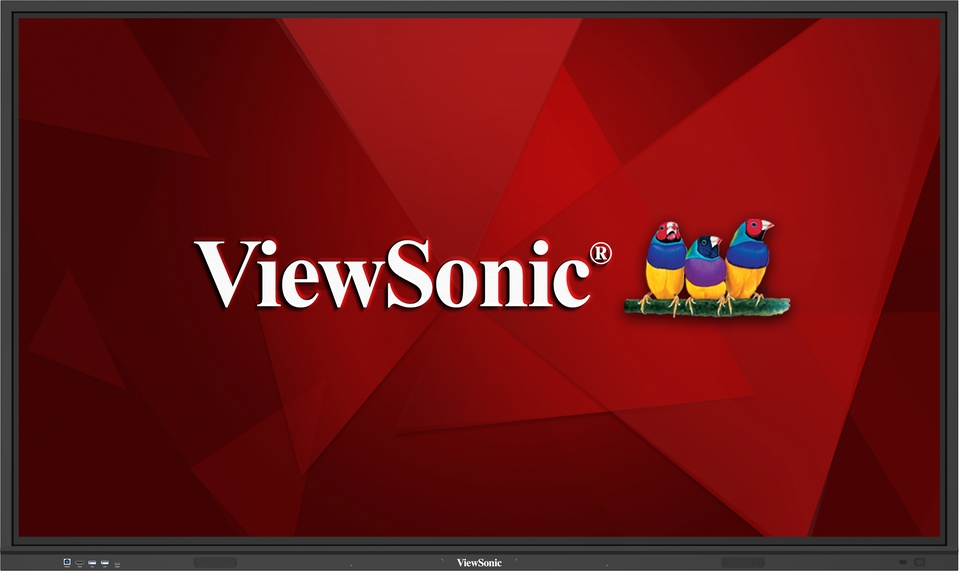
65" Interactive Flat Panel - Viewsonic (IN6501-2-1N)
Price 97500.0 INR/ Pack
MOQ : 1 Piece
65" Interactive Flat Panel - Viewsonic (IN6501-2-1N) Specification
- Assembly
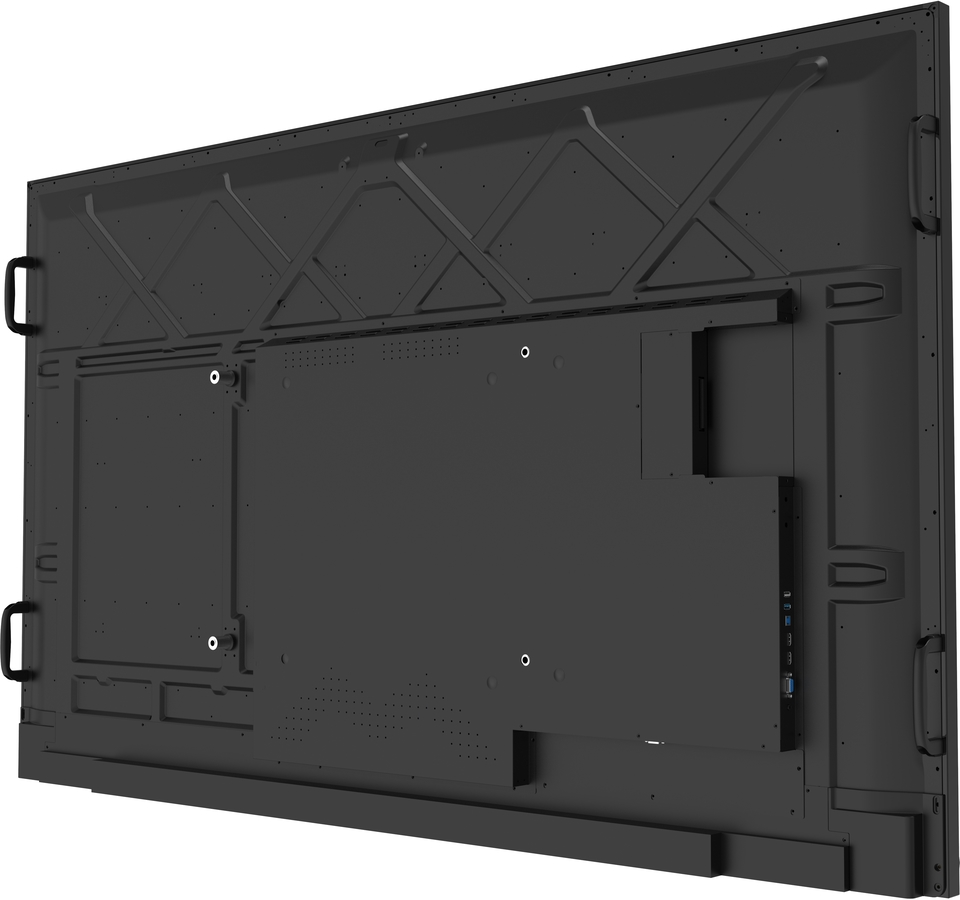
- Wall Mount or Floor Stand Supported
- Model No
- IN6501-2-1N
- Power Type
- Power Cable
- Use
- Education, Corporate, Conference, Presentation, Auditorium
- Style
- Interactive Flat Panel
- Surface Finish
- Anti-glare, Hard Coating, Toughened glass
- Size
- 65 Inch
- Features
- Screen Size: 65 inch | Ram: 8 GB | Storage: 128 GB | Android Version: Android 14 | Core Type: Octa-core | EDLA | Resolution: 4K UHD (3840 2160) | Aspect Ratio: 16:9 | Input Ports: HDMI, Audio | Output Ports: HDMI, Audio
- Weight
- 34.1 Kilograms (kg)
- Type
- Writing
- Material
- Tempered Glass, Metal Frame
- Dimensions
- 58.85x36.15x3.62 Inch (in)
- Shape
- Rectangular
- Color
- Black, White
- Function
- Interactive Whiteboard, Wireless Casting and Control, Annotation, Split Screen, Online Meetings and many more
- Age
- All Age Groups
- Advantage
- 4K Ultra HD Resolution, Multi-Touch, Versatile Connectivity, Fast Touch Response, Wireless Casting, Scratch-resistant screen, Split Screen, 40 Touch Point
65" Interactive Flat Panel - Viewsonic (IN6501-2-1N) Trade Information
- Minimum Order Quantity
- 1 Piece
- Delivery Time
- 1 Week
65" Interactive Flat Panel - Viewsonic (IN6501-2-1N) About
The ViewBoard IN01-2 series interactive flat panel, powered by the Android Enterprise Device License Agreement (EDLA), integrates Android 14 and Google Play Store access for secure and enriched learning experiences. The 40-point Ultra Fine Touch touchscreen enables intuitive collaboration with fingers or dual-tip pens, while built-in speakers and one USB-C port enhance user convenience.Advanced Visual Performance
Enjoy crystal-clear detail and vivid imagery with the 65-inch 4K UHD (3840x2160) resolution screen. The anti-glare, hard-coated tempered glass ensures sharp visuals even in brightly lit environments, while the slim, modern design complements any professional or educational space.
Multi-Touch Interactivity
Designed for rich collaborative experiences, the panel recognizes up to 40 simultaneous touch points. Fast touch response boosts user engagement, whether writing, annotating, or operating split-screen sessions, making this display a perfect fit for classrooms, boardrooms, or creative teams.
Effortless Connectivity and Control
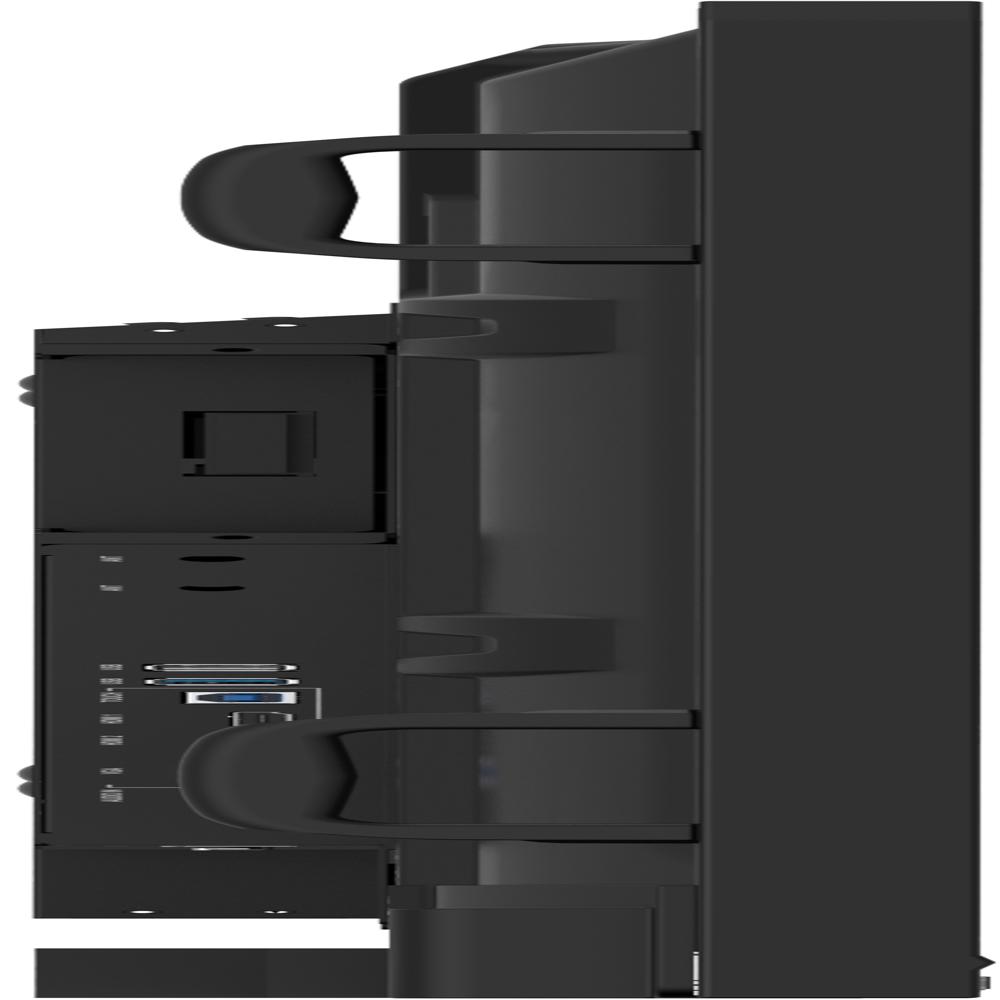
Equipped with adaptable HDMI and audio ports for both input and output, the IN6501-2-1N enables smooth integration with devices like laptops and media players. Wireless casting and control enhance meeting flexibility, while Android 14 ensures a familiar, user-friendly interface.
FAQ's of 65" Interactive Flat Panel - Viewsonic (IN6501-2-1N):
Q: How can the 65" Interactive Flat Panel be installed in a meeting room or classroom?
A: The IN6501-2-1N supports both wall mounting and floor stand setups, offering flexibility to fit the room layout and user needs. All necessary assembly guidance is provided, and its rectangular design ensures compatibility with most standard mounts.Q: What are the main benefits of the anti-glare, toughened glass surface?
A: The anti-glare, toughened glass provides durable protection against scratches and accidental impact, while minimizing screen reflections and ensuring comfortable viewing from different angles, even in brightly lit spaces.Q: When is it ideal to use wireless casting and split screen on this panel?
A: Wireless casting is useful for seamless content sharing from multiple devices without cables, especially during interactive presentations or collaborative sessions. The split-screen feature is perfect when viewing and comparing multiple documents, videos, or apps at once.Q: Where can this interactive flat panel be effectively utilized?
A: This panel is highly versatile and well-suited for settings like schools, universities, corporate boardrooms, conference halls, and auditoriums. Its engaging interactive features support a wide range of educational and professional applications.Q: What process should users follow to annotate or use the whiteboard function?
A: Simply activate the annotation or interactive whiteboard application from the Android 14 interface. Users can write, draw, or highlight content directly on the screen, save notes, or share them in real time with participants through connected devices.Q: How does the multi-touch feature enhance group collaboration?
A: With support for up to 40 simultaneous touch points, multiple users can interact with the panel at once-writing, drawing, or navigating. This enables smooth teamwork, brainstorming, and active participation during meetings or lessons.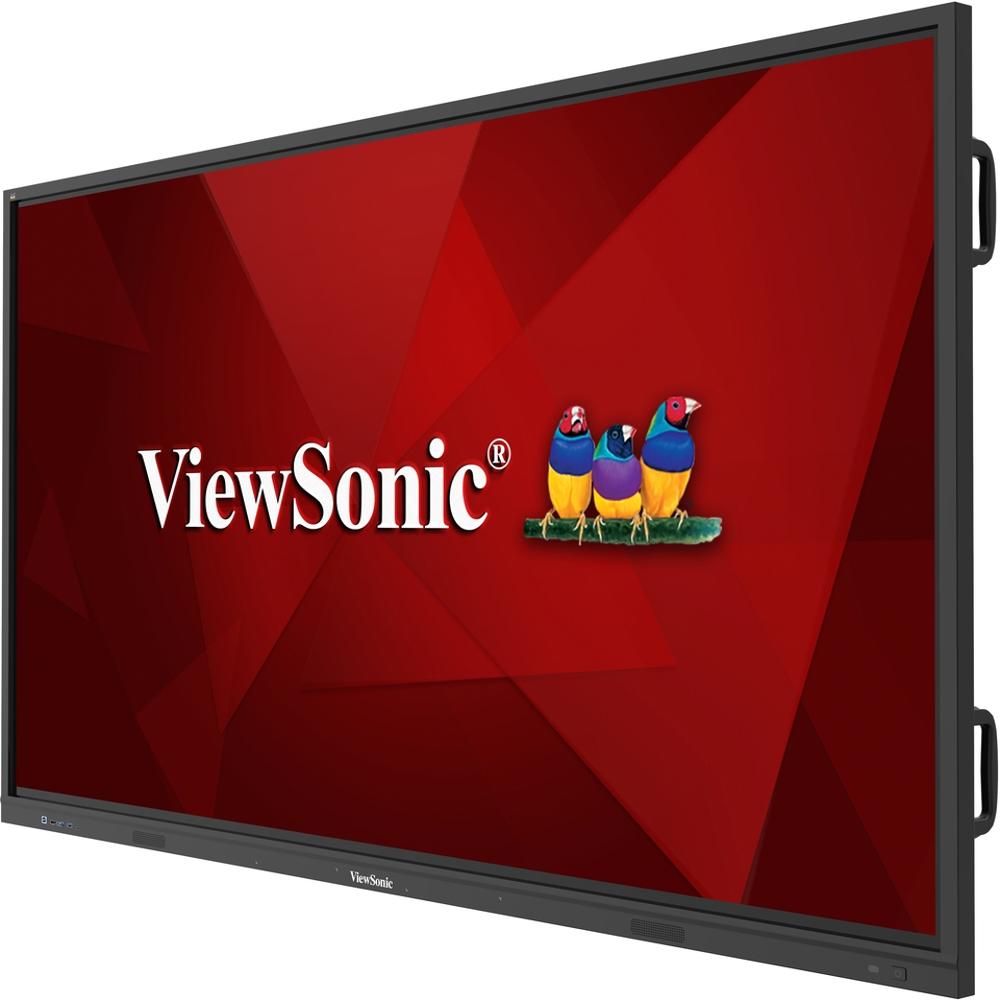
Tell us about your requirement

Price:
Quantity
Select Unit
- 50
- 100
- 200
- 250
- 500
- 1000+
Additional detail
Mobile number
Email

More Products in Interactive Flat Panel Category
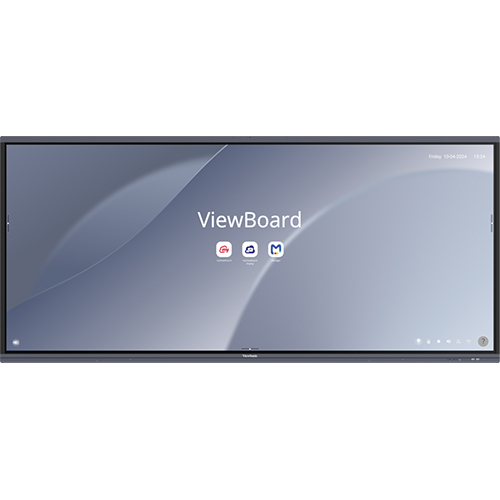
92" Interactive Flat Panel -Viewsonic(IFP92 UW)
Price 357500.0 INR / Pack
Minimum Order Quantity : 1 Unit
Weight : 67 Kilograms (kg)
Features : Ram: 8 GB | Screen Size: 92 inch | Storage: 128 GAC 100240V, 50/60HzB | Android Version: Android 13 | Core Type: Octacore | Input Ports: HDMI, USB, Network | Resolution: 5K (5120 2880) | Aspect Ratio: 21:9 | Output Ports: USB, HDMI, Audio | OS: Android
Size : 92 Inch
Color : Black, White
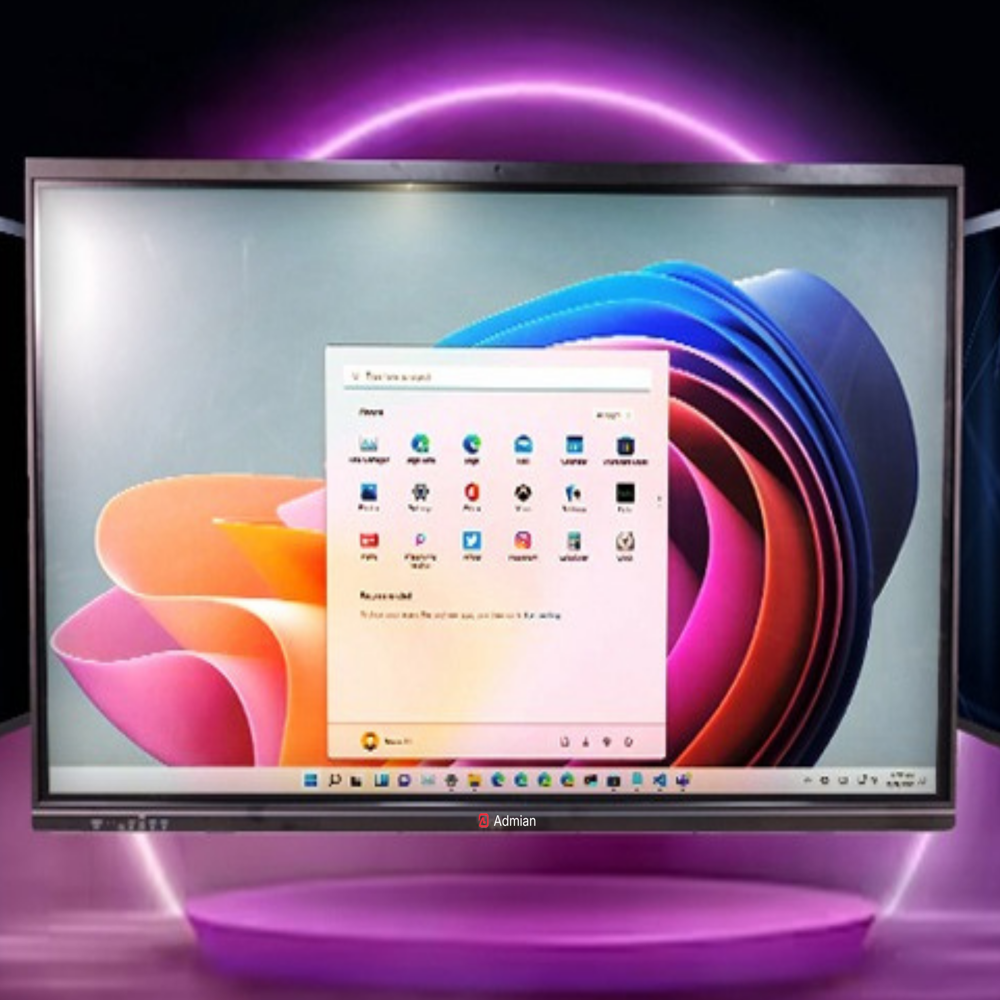
75" Interactive Flat Panel - Admian (A7502-4)
Price 81900.0 INR / Piece
Minimum Order Quantity : 1 Piece
Weight : 43 Kilograms (kg)
Features : Ram: 16 GB | Screen Size: 75 inch | Storage: 256 GB | Core Type: Quadcore | Resolution: 4K UHD (3840 2160) | OS: Android | Android Version: Android 14 16 | EDLA | BuildIn Mic | Input Ports: HDMI, USB, TypeC, VGA, Network | Output Ports: HDMI, USB, TypeC, Audio | Aspect Ratio: 16:9
Size : 75 Inch
Color : Black, White
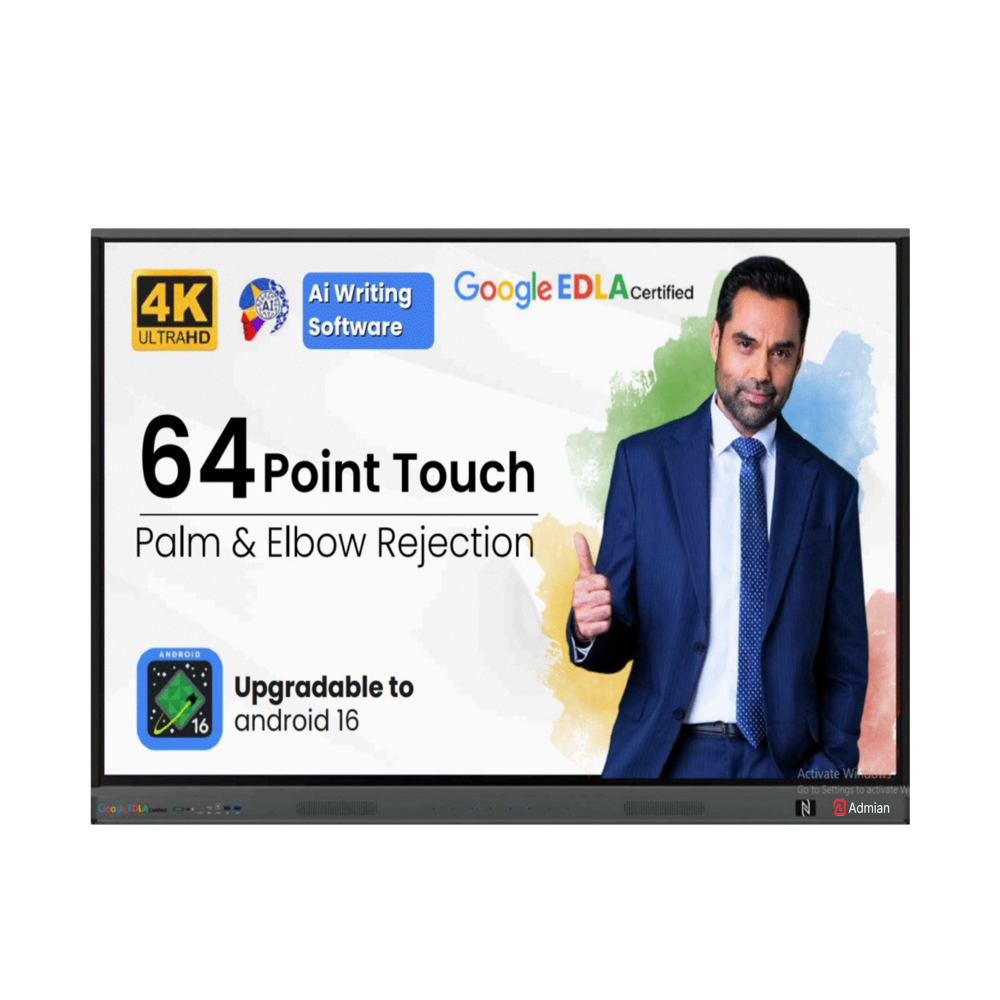
110" Interactive Flat Panel - Admian (A11001-4)
Price 487499.0 INR / Piece
Minimum Order Quantity : 1 Piece
Weight : 130 Kilograms (kg)
Features : Ram: 8 GB | Screen Size: 110 inch | Storage: 128 GB | Core Type: Quadcore | Resolution: 4K UHD (3840 2160) | OS: Android | Android Version: Android 14 16 | EDLA | BuildIn Mic | Input Ports: HDMI, USB, TypeC, VGA, Network | Output Ports: HDMI, USB, TypeC, Audio | Aspect Ratio: 16:9
Size : 110 Inch
Color : Black, White
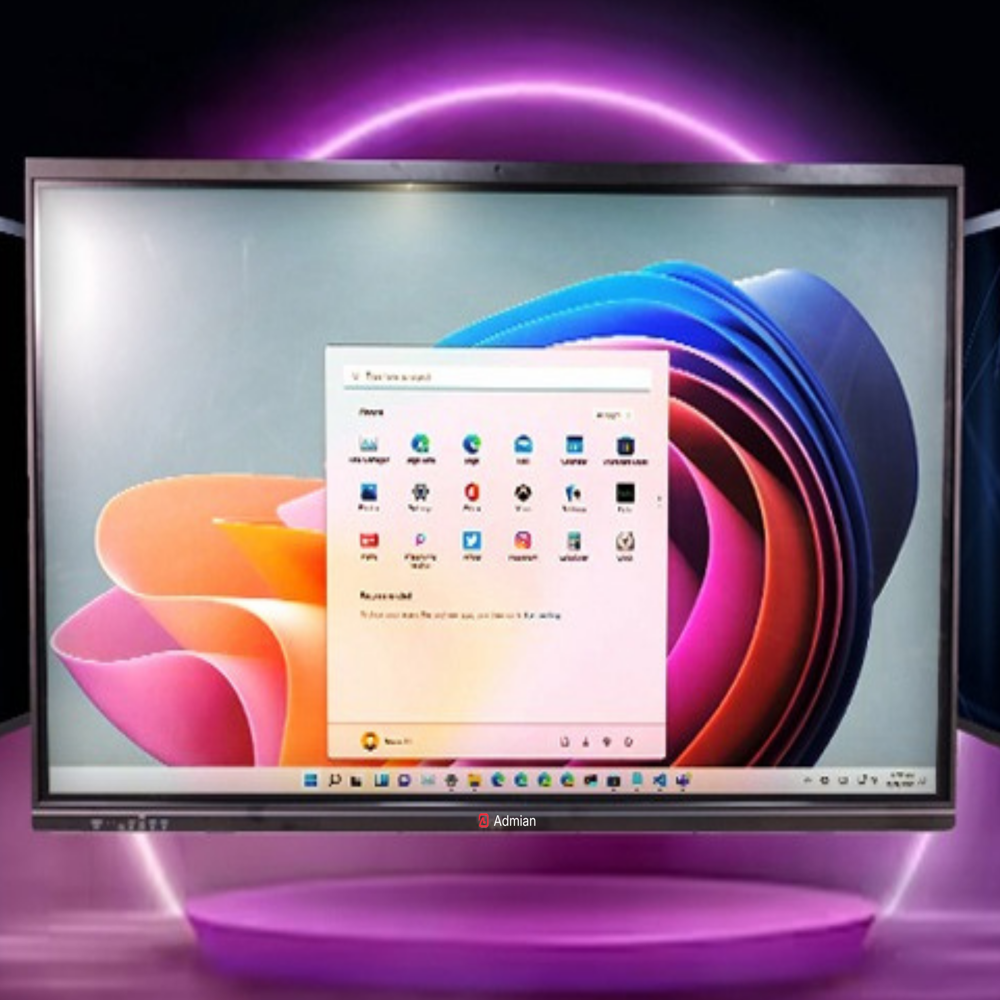
75" Interactive Flat Panel - Admian (A7502-8)
Price 85800.0 INR / Pack
Minimum Order Quantity : 1 Piece
Weight : 43 Kilograms (kg)
Features : Ram: 16 GB | Screen Size: 75 inch | Storage: 256 GB | Core Type: Octacore | Resolution: 4K UHD (3840 2160) | OS: Android | Android Version: Android 14 16 | EDLA | BuildIn Mic | Input Ports: HDMI, USB, TypeC, VGA, Network | Output Ports: HDMI, USB, TypeC, Audio | Aspect Ratio: 16:9
Size : 75 Inch
Color : Black, White

 Send Inquiry
Our Products


3rd Floor, BDA Housing Colony,Bhubaneswar - 751001, Odisha, India

Ms. Soniya
(Assistant Manager)
Mobile :08045475168
 Send Inquiry
 Send SMS

Developed and Managed by Infocom Network Private Limited.


 English
 Spanish
 French
 German
 Italian
 Chinese (Simplified)
 Japanese
 Korean
 Arabic
 Portuguese
